
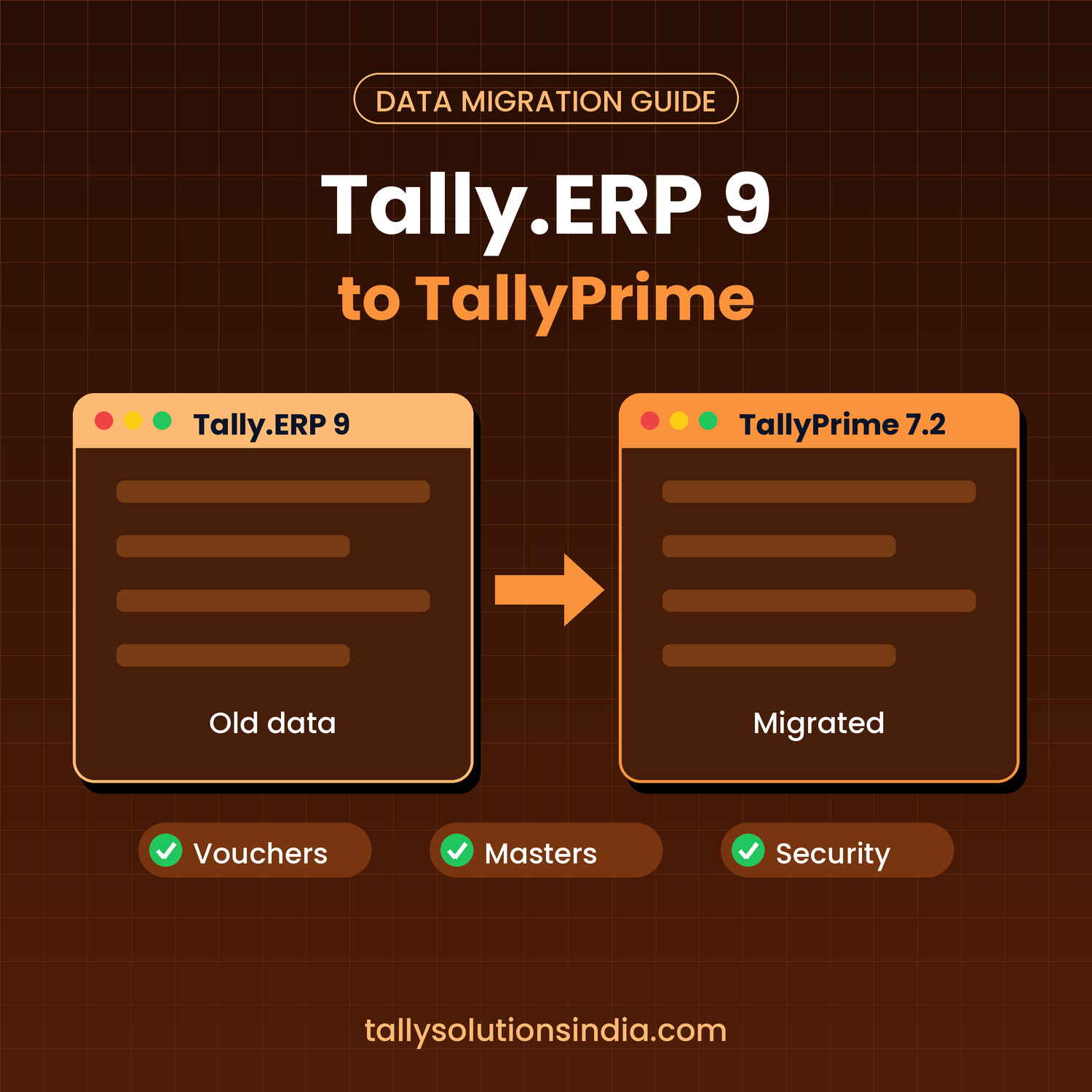
Many businesses still use Tally.ERP 9 or even older versions like Tally 7.2. Moving to TallyPrime gives you the latest GST features, connected services and a modern interface – and your data comes with you.
Will I lose my data?
No. Migration keeps your vouchers, masters and security settings and makes them compatible with the new release. You do not need to re-enter anything.
Is the upgrade free?
Tally.ERP 9 customers with a valid TSS on or after 9 November 2020 are eligible for a free upgrade to TallyPrime. A valid TSS is required to migrate to the latest release.
Before you migrate
• Check your TSS is active
• Take a full backup of your company data
• Install the latest TallyPrime (you can keep Tally.ERP 9 installed too)
• Note the number of vouchers and masters, so you can compare after migration
Steps: Tally.ERP 9 (Release 5.0 or later) to TallyPrime
1. Open TallyPrime
2. Press F1 (Help) > Troubleshooting > Migrate, or press Alt+Y (Data) > Migrate
3. Select the company you want to migrate
4. Set "Backup Company Data before Migration" to Yes
5. Start the migration and wait for it to finish
6. Check the migration statistics – the number of vouchers and masters should match
While a large company migrates, you can continue most regular work in your previous release, and changes sync to the migrated company.
If you see migration exceptions
TallyPrime shows exceptions if some vouchers or masters need attention. Go to Alt+Y (Data) > All Exceptions Repair/Migrate, fix the vouchers shown, and resave them.
Using old Tally 5.4, 6.3 or 7.2?
The old Tally 7.2 is not the same as the new TallyPrime 7.2. Data from Tally 5.4, 6.3 or 7.2 cannot move directly to TallyPrime. It is a two-step process:
1. Copy the old company data into the Tally.ERP 9 data folder
2. Run the migration tool (tally72migration.exe) from the Tally.ERP 9 installation folder and select Migrate Data
3. Then migrate from Tally.ERP 9 to TallyPrime using the steps above
What about customizations?
Old Tally.ERP 9 TDL customizations may need changes to work in TallyPrime. Test them on a copy of your data before using them on live data.
Get it done safely
Tally Solutions India migrates your data from Tally.ERP 9 or older versions, fixes exceptions and updates your TDL customizations. Call +91 83829 80089.