
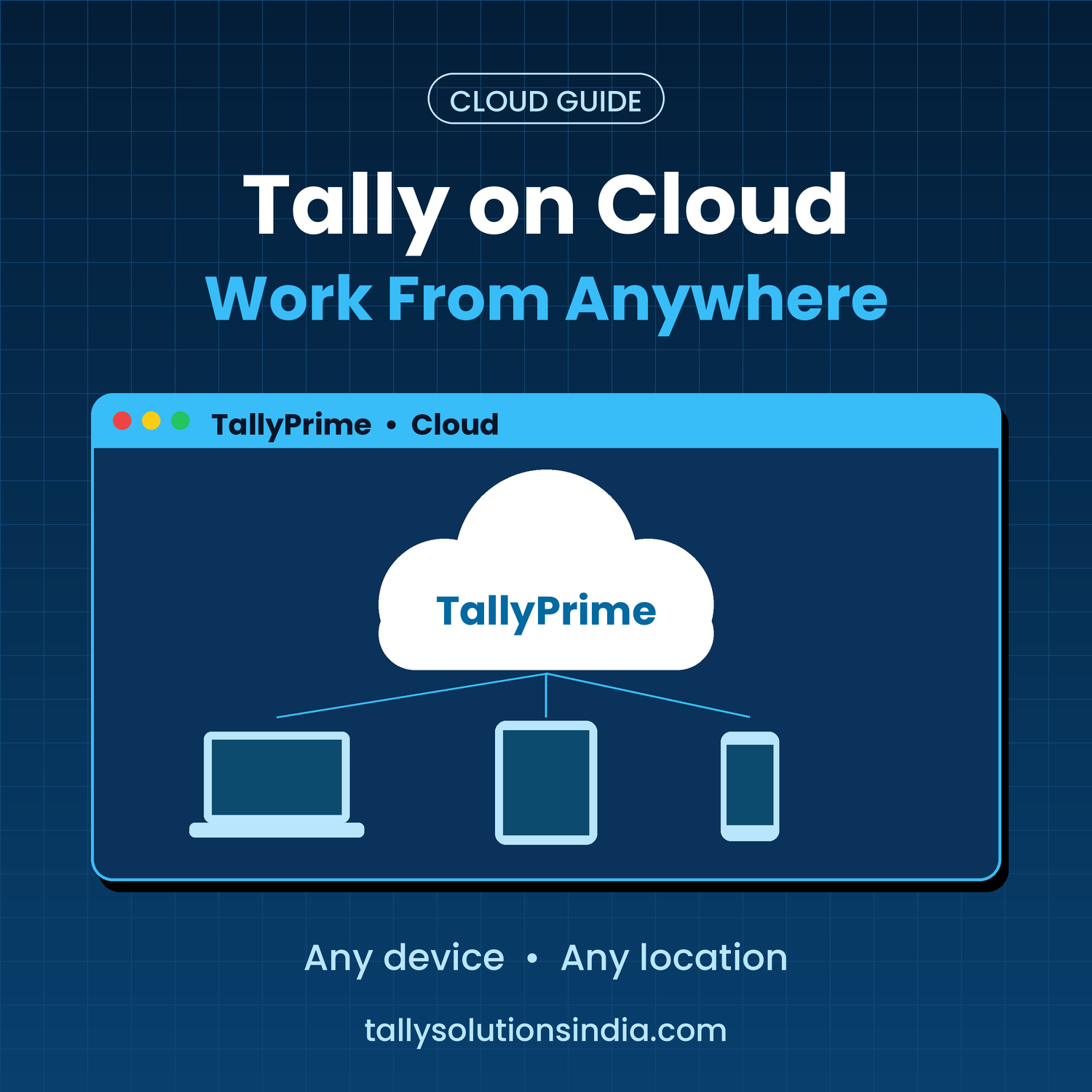
Tally on Cloud lets you use TallyPrime from anywhere – office, home or while travelling – on a laptop, tablet or phone. Here is how it works and how to choose the right option.
What is Tally on Cloud?
Your TallyPrime and company data run on a secure cloud server instead of a computer in your office. You open TallyPrime through a secure connection, and it works just like it does on your own computer. Many users can work on the same data from different places.
Option 1: TallyPrime Cloud Access (by Tally)
Tally's official cloud solution:
• TallyPrime Pack: ₹600 per user per month + GST
• TallyPrime Server Pack: ₹750 per user per month + GST
• Billed for 3, 6 or 12 months
• Works on Windows, Mac and Linux – Mac users get full TallyPrime without a Windows partition
• Secure PIN login and automatic backup
• TallyPrime licence required separately
Option 2: Managed Tally on Cloud service (by a partner)
A Tally partner hosts TallyPrime for you and manages everything:
• Data migration and setup done for you
• Your TDL customizations installed and maintained on the cloud
• Printing, backup and user setup handled
• Day-to-day support from people who know TallyPrime
Option 3: Remote access with TSS
With active TSS, you can access TallyPrime and its reports remotely through Tally.NET. This is good for checking reports, but it is not a full cloud setup for a team.
Remember the licence cost
Cloud hosting prices usually do not include the TallyPrime licence. Your total cost is hosting plus a licence (Silver or Gold, lifetime or rental) plus TSS. Always compare the full cost.
Who should use Tally on Cloud?
• Owners who travel and want to see accounts anytime
• Businesses with branches in different cities
• Teams working from home or from client sites
• Businesses without IT staff to manage a server
Questions to ask before choosing
• Is the licence included in the price?
• How often is data backed up, and how do I restore it?
• Will my customizations work on the cloud?
• Can I print on my local printer?
• Who do I call when something goes wrong?
Get the right setup
Tally Solutions India offers TallyPrime licences, Cloud Access and a fully managed Tally on Cloud service with migration and support. Call +91 83829 80089.